

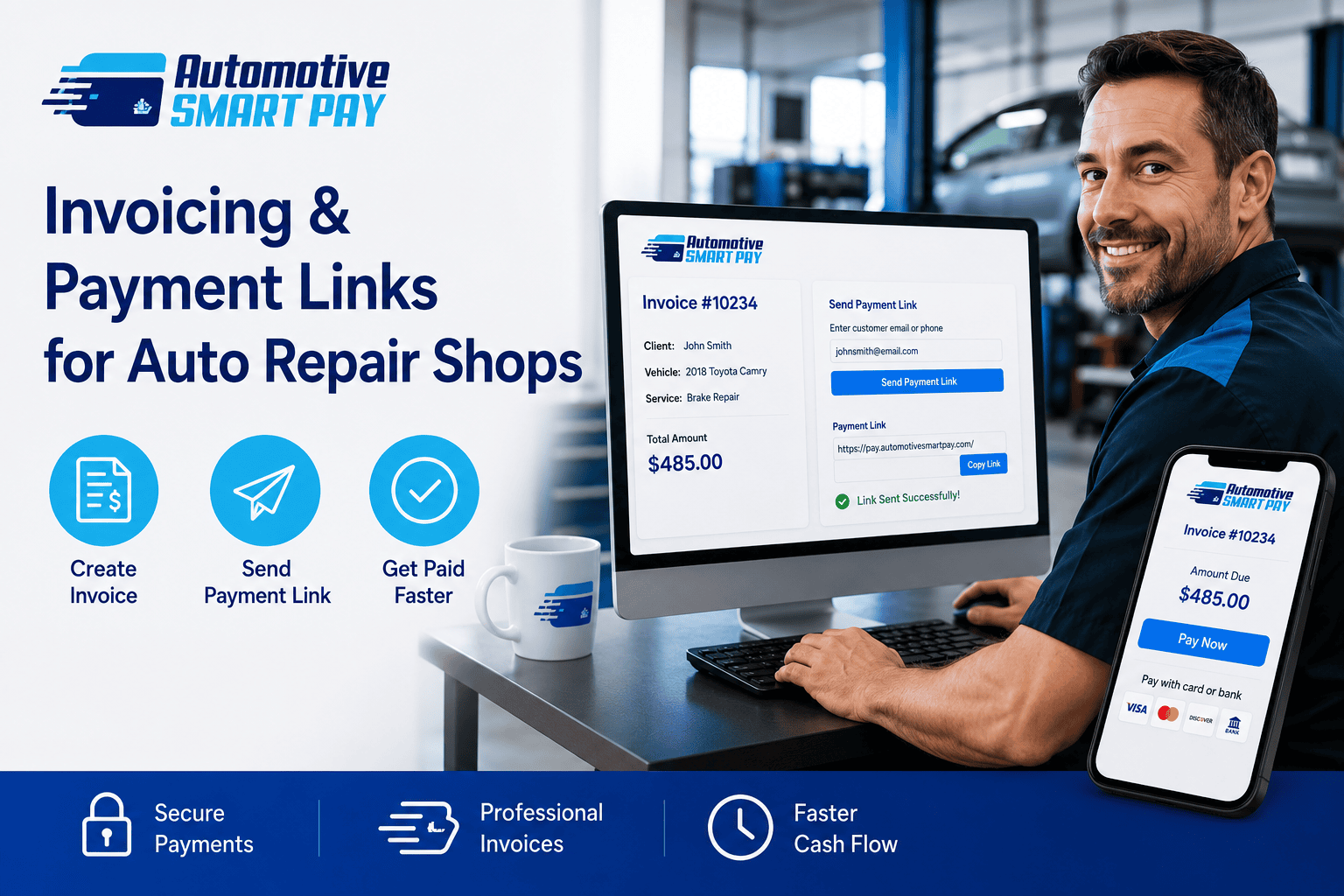
Create an Invoice. Send a Link. Get Paid.
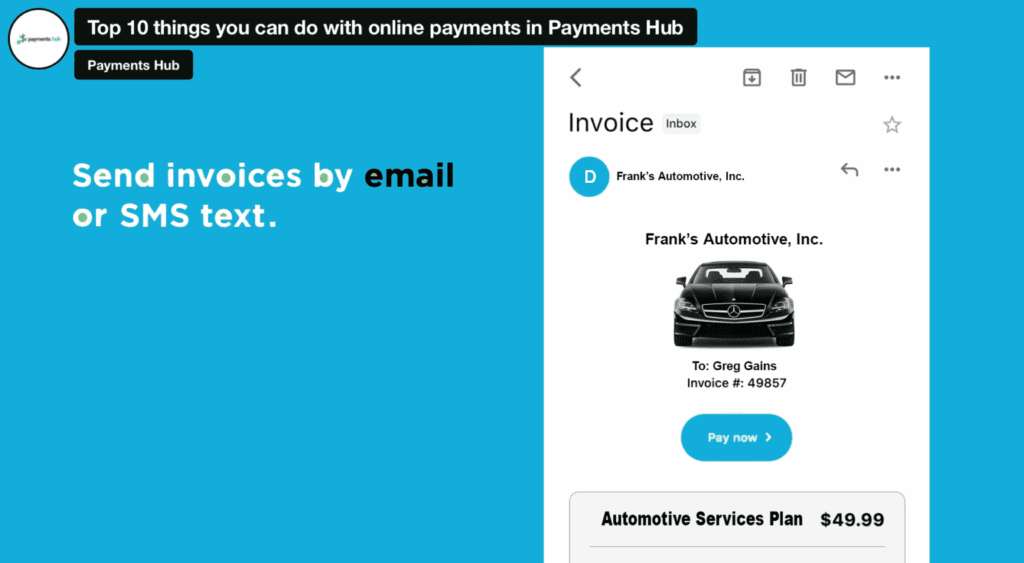
Create. Send. Get Paid.
1. Create the invoice
Enter the repair, parts, diagnostic, deposit, or service information.
2. Send the payment link
Deliver it securely by text message, email, or QR code.
3. Receive payment
The customer opens the link and pays from a smartphone, tablet, or computer.
Get Paid ASAP
Automotive SmartPay gives auto repair shops a simple way to create digital invoices and collect payments through secure links sent by text, email, or QR code—no website or coding required.
With just a few clicks, you can generate a unique link that directs your customer to a secure checkout page where they can pay using credit cards, debit cards, or digital wallet.
Payment Links Built for Busy Auto Shops
✔️ Get paid faster by sending secure payment links as soon as work is approved or completed.
✔️ Collect payment before vehicle pickup and reduce delays at the service counter.
✔️ Send invoices your way by text message, email, or QR code.
✔️ Accept more payment options including cards and compatible digital wallets.
✔️ Present a professional checkout experience with branded invoices and secure payment pages.
✔️ Improve cash flow with faster collections and next-business-day funding for qualifying accounts.
✔️ Manage payments in one place through the Payments Hub merchant portal.
Call or text 801-205-1955 Get It Free In 15 Minutes.
Everything You Need to Get Paid Faster
See how Automotive SmartPay helps auto repair shops accept ACH Pay-by-Bank, create payment links, send invoices, and offer Apple Pay—all from one easy-to-use payment platform designed for today’s automotive businesses.
Invoicing Payment Links For Auto Repair Shops
Create professional payment links in seconds. Whether you’re sending an invoice, collecting a deposit, or accepting custom payments, Automotive SmartPay makes it easy to get paid faster.
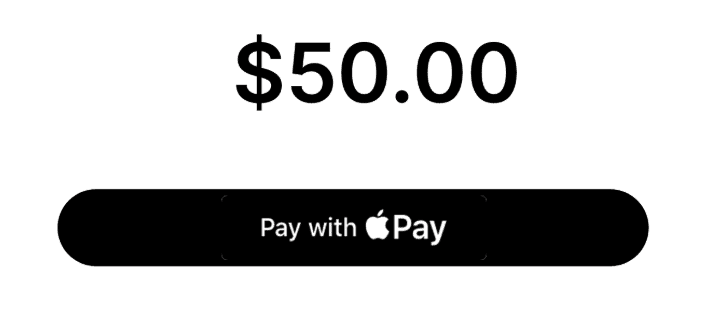
A Fixed Amount
Perfect for standard services, diagnostics, deposits, or any repair with a set price.
Multi Amounts
Offer customers a choice of payment amounts for services, upgrades, or recommended repairs.
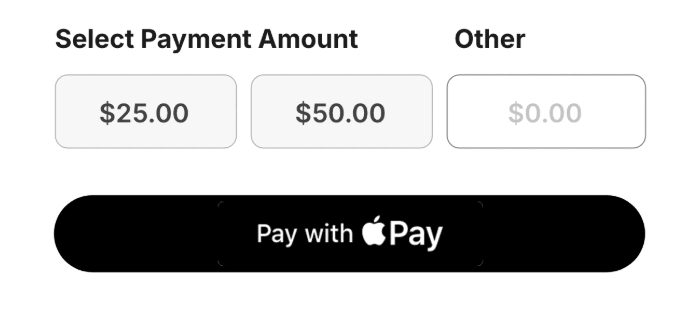
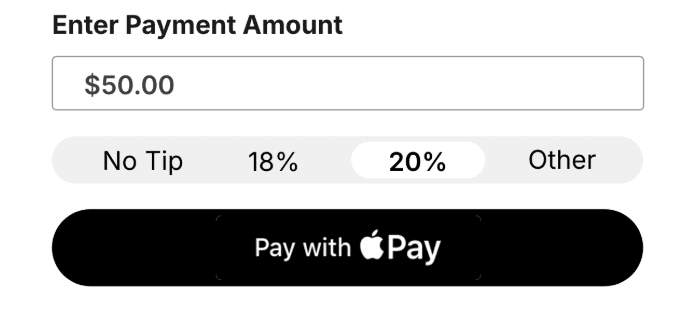
Open Ended
Let customers enter the exact amount they want to pay toward an invoice or outstanding balance.
Payment & Invoicing Links for Auto Repair Shops
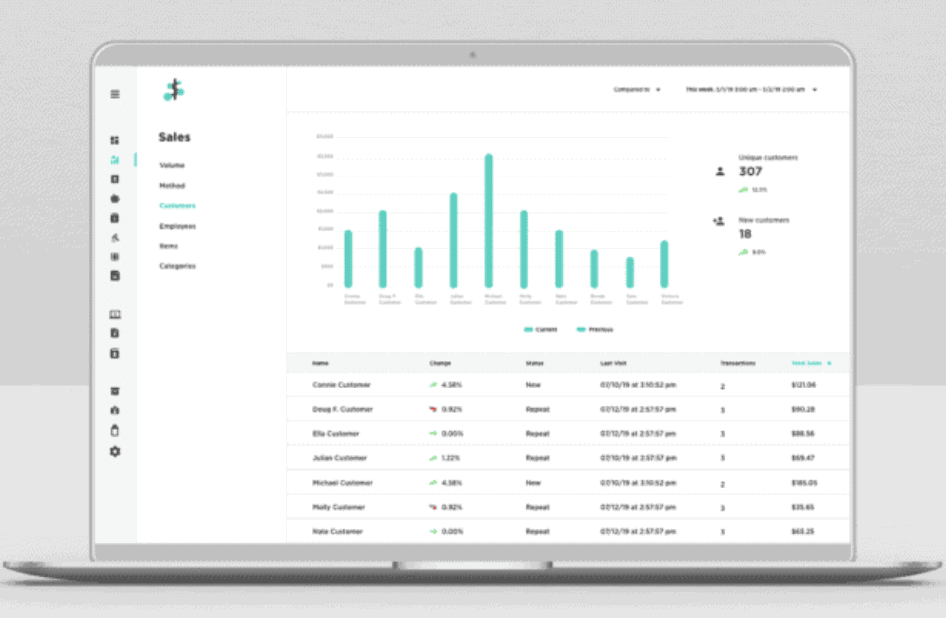
Payment & Invoicing Links for Auto Repair Shops
Payment Links let customers pay for repairs, parts, diagnostics, and larger invoices from anywhere.
Customize each payment page with vehicle IDs, service reference numbers, customer notes, and optional tipping.
Your shop can also:
- ✔ Build customer profiles
- ✔ Automate email and text payment requests
- ✔ Send invoices by email, SMS, text, or QR code
- ✔ Send billing and payment reminders
Invoicing And Payment Links For Automotive Business

Let’s Get This Done
Automotive shops and businesses can modernize payments with simple, secure Payment Links. Generate a link, send it to customers, and collect card or ACH payments for any service—all without a website, coding, or point-of-sale hardware.
Built-in security features ensure that each transaction is fully protected, giving you and your customers peace of mind. Whether you’re handling multiple service tickets or sending invoices after a job is complete.
What sets Automotive SmartPay apart from the others? You’ll receive dedicated support from both our national team and local expertise directly from me, Greg G. Kapitan.
I’m available by call or text anytime at 801-205-1955.
FAQs For Payment Links for Automotive Businesses
What are Payment Links for auto repair shops?
Payment Links let your shop create a secure online checkout page for a specific repair, estimate, or invoice. Simply generate the link, send it by email, text, or QR code, and your customer can complete payment whenever it’s convenient—without visiting the service counter.
Do I need a website to use Payment Links?
Not at all. Payment Links work independently of your website, making them a great option for shops that simply want to email or text customers a secure payment page. Everything is managed through your Automotive SmartPay merchant portal with no coding required.
What’s the difference between a Payment Link and a digital invoice?
A digital invoice provides customers with an itemized bill, while a Payment Link gives them a secure way to pay online. Many repair shops use both together, allowing customers to review their invoice and complete payment from the same convenient checkout experience.
Can I email and text the same invoice?
Absolutely. Once you’ve created a Payment Link, you can send it by email, text message, or even display it as a QR code. This flexibility lets customers choose the communication method that’s most convenient while helping your shop collect payments more efficiently.
Can I include repair details with a Payment Link?
Yes. Payment Links can include information such as the repair description, invoice title, customer notes, or vehicle details. Providing additional information helps customers understand exactly what they’re paying for while creating a more professional payment experience.
What types of Payment Links can I create?
Automotive SmartPay offers several Payment Link options to fit different situations. You can create a fixed payment amount, offer multiple payment choices, or allow customers to enter their own amount—making it easy to handle deposits, invoices, estimates, or miscellaneous charges.
Can customers scan a QR code to pay?
Yes. Payment Links can also be shared as a QR code that customers simply scan with their smartphone camera. This works well at the service counter, inside your waiting area, or anywhere you want to offer a fast, contactless payment option.
Can I customize the payment page for my shop?
You can personalize your Payment Links with your business information, invoice details, customer notes, and optional payment settings. These customizations help create a more polished checkout experience while giving customers confidence they’re paying the correct automotive business.
Can Payment Links be used before a repair begins?
Many repair shops use Payment Links to collect approvals, deposits, or advance payments before work starts. Sending a secure payment request ahead of time helps simplify scheduling, reduce delays, and confirm customer commitment before ordering parts or beginning major repairs.
How do Payment Links help improve cash flow?
Payment Links remove many of the delays associated with collecting payment in person. Instead of waiting for customers to return to the shop, businesses can send a secure payment request immediately after work is completed, helping accelerate collections and improve overall cash flow.
Are Payment Links useful for larger repair invoices?
They can be an excellent option for larger repair bills because customers have the flexibility to review the invoice and pay online when it’s convenient. Many shops find this creates a smoother payment experience for both routine maintenance and more expensive automotive repairs.
Why are Payment Links becoming popular with auto repair shops?
Today’s customers appreciate fast, convenient payment options that fit their schedules. Payment Links allow repair shops to send professional digital payment requests while giving customers multiple ways to complete payment, helping improve convenience, efficiency, and the overall customer experience.